



How to Download Aniimo on PC, PS5, Xbox and Mobile
Aniimo is out and free: on PC through the official launcher, Steam or the Epic Games Store, on PS5 and Xbox Series X|S since 16 September 2026, and on iOS and Android since 23 September. Here is how to install it on each, what each platform needs, and how to keep one account across all of them, with every step pinned to official sources.
Let me save you the scroll: Aniimo is out, and it is free on every platform. It launched on 16 September 2026 on PC, PlayStation 5 and Xbox (launch notice), and on iOS and Android on 23 September (mobile launch notice). Pick your platform below and you are a few clicks from Idyll.
I have sourced every fact here from official communications only, and where something isn’t confirmed, I say so out loud rather than guessing.
Do this now: on PC, get the launcher from the official notice on aniimo.com, or install Aniimo from Steam or the Epic Games Store; on a console or a phone, find Aniimo in your store. That’s the whole task.
The short version
If you read nothing else, read this.
- PC: the official launcher, Steam or Epic. The download on the official notice is a launcher. Once it finishes, click Install Now, then start the game through that launcher from then on. Aniimo is also on Steam and the Epic Games Store. Keep 40 GB free, ideally on an SSD.
- PS5 and Xbox: free in your store. Download Aniimo from the PlayStation Store or the Xbox store; it needs 30 to 35 GB. The PS5 client installs only on the internal SSD. PS4 is not supported.
- Mobile: live since 23 September. On the App Store and Google Play (mobile launch notice). Both need 18 GB (official notice).
- Three servers. Aniimo-America, Aniimo-Europe and Aniimo-Apac; your progress stays on the server you play on. More in the server status guide.
- Beta testers: reinstall. Clients from previous tests can no longer be used. Uninstall the old build first.
- Cost. Aniimo is free-to-play (Steam). The console pre-order packs, sold until 16 September, were optional extras, not the price of the game.
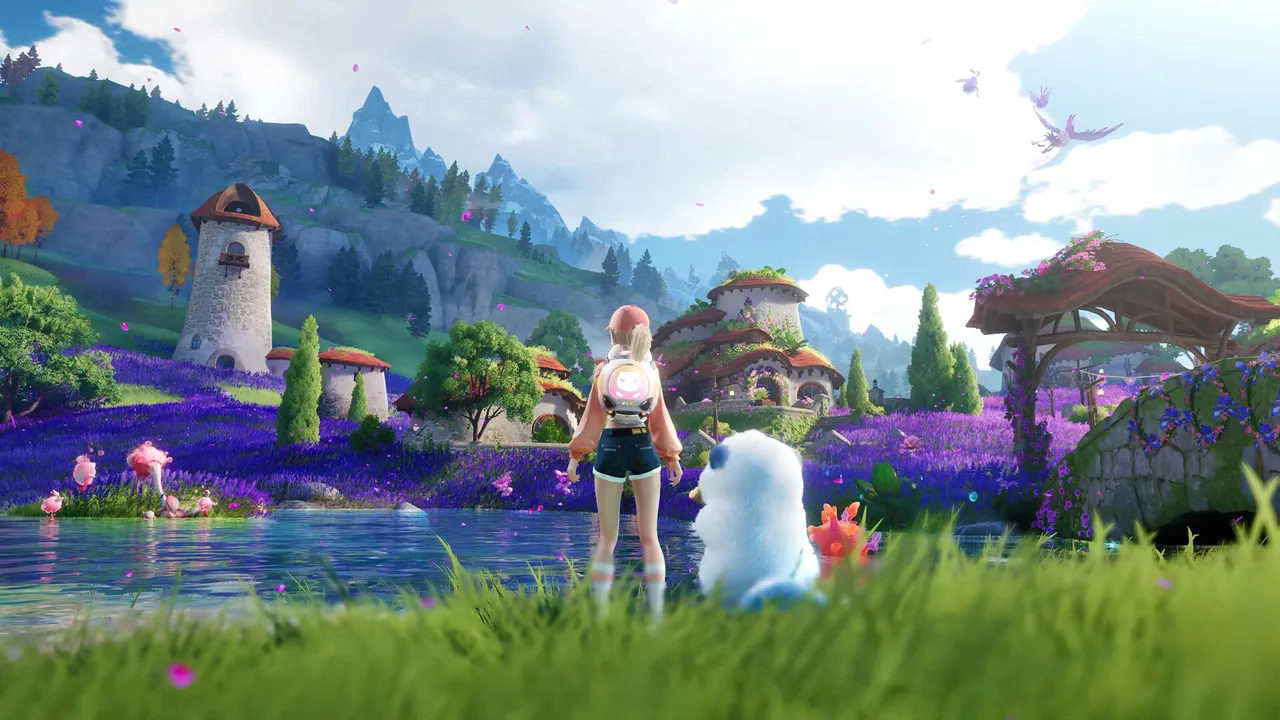
PC: step by step
Five concrete moves, straight from the official notice.
- Check your machine. The PC minimum is now a GTX 970 with 8 GB of RAM on 64-bit Windows 10. Windows 7, 8 and any 32-bit system cannot run the game. The full table is in our system requirements guide.
- Free 40 GB, on an SSD if you can. The game installs to the launcher’s folder by default. To use another drive, pick it in the launcher’s settings (top right, “Choose another folder”). Keep the path in plain English letters: the studio warns that other characters in the path can break launching, logging in or payments.
- Download the launcher from the official notice. Use the download link on aniimo.com, not a mirror. If your antivirus flags it, allow or trust it: the studio lists false positives as the usual cause of “Extraction failed” and “Failed to load il2cpp” errors.
- Click Install Now, then update the game. The launcher installs first, then downloads the game. The progress bar can sit still while the updater processes files: the studio asks you to wait rather than quit.
- Remove any old test client. If you played a beta, uninstall that build. It cannot be used any more.
Prefer a store? Aniimo is also live on Steam and the Epic Games Store (launch notice): install it there like any free game. Whichever route you pick, the account rules below apply.
PS5 and Xbox
- Free download. Aniimo is free on the PlayStation Store and on Xbox since 16 September. The pre-order packs were on sale until 16 September at 09:59 (UTC+8) and were only ever needed to pre-download.
- Space. 30 to 35 GB. On PS5, the internal SSD only.
- Pack items. They arrive in the in-game mailbox of the first character created on the console account that bought the pack.
- Not on PS4. Aniimo runs on PS5 and PS5 Pro only.
Keep one account across platforms
This is the step people will regret skipping, so read it before your first login.
- Progress follows the server, not the device. Data on different servers is independent, but progress is fully shared across every platform within the same server: PC, console and mobile.
- On console, the link prompt appears once. The first time a PSN or Microsoft account logs in, a pop-up offers to link your existing Aniimo Pass email account. It is the only chance. Skip it and that console account registers a new Aniimo Pass that can never be linked to your existing one.
- On PS5, your server comes from your PSN region. It is assigned automatically, and there is no cross-server progress. Before linking, check that your existing character is on the same server.
- Beta on Steam, new email now? Link the Steam account to your Aniimo Pass: the Steam client prompts you after login, or use the in-game Email Link page later. Your test rewards carry over that way.
Mobile
iOS and Android have been live since 23 September 2026 on the App Store and Google Play, with full cross-progression with PC and consoles on the same server and account (mobile launch notice). Phones arrived with the 1.1 update: what it changed is in the 1.1 update guide. Both platforms need 18 GB; the minimum devices are an iPhone 11 on iOS 16 and a Snapdragon 855 or Dimensity 1000 on Android 10 (full list in the system requirements guide). Xbox cloud gaming at xbox.com/play also streams Aniimo.
Where Aniimo is listed
- PC: the official launcher from aniimo.com, Steam, the Epic Games Store and the Microsoft Store.
- Console: PlayStation Store (PS5) and Xbox (Series X|S), plus Xbox cloud gaming.
- Mobile: App Store and Google Play, since 23 September.
Common mistakes to avoid
- Downloading from anywhere but an official source. The launcher comes from aniimo.com; the other official routes are the store pages above. APK mirrors and “early access” installers are not endorsed, and I would not trust them.
- Updating an old beta client. It will not work. Uninstall it and install the new launcher.
- Skipping the console link prompt. It never comes back. If you already have an account, link it on your very first console login.
If the install goes wrong
The official notice ends with a long troubleshooting FAQ. The fixes worth knowing:
- Download stuck at 0 or stalled: restart your PC, or right-click the launcher and “Run as administrator”, then click Update Game again.
- Verification error, freeze or black screen: in the launcher, Settings (top right) then Quick Repair. If that fails, reinstall the launcher.
- White screen instead of the logo: install DirectX 11 from Microsoft and restart the game.
- “Network error” in the launcher: check your connection, DNS and proxy settings, or restart your router.
- Crashes on an Intel 13th or 14th-gen CPU: update your BIOS to Intel microcode 0x12B or later; the full fix is in our system requirements guide.
- Still stuck: the official support address in the notice is [email protected].
FAQ: quick answers
- Can I download Aniimo right now? Yes, on every platform and for free: PC (official launcher, Steam, Epic Games Store), PS5, Xbox Series X|S, iOS and Android.
- How big is the download? 40 GB on PC, 30 to 35 GB on console, 18 GB on iOS and Android.
- Is Aniimo free to play? Yes (Steam). No purchase is required to download it.
- Do I need to reinstall if I played the beta? Yes. Clients from previous tests can no longer be used.
- Will my progress carry across PC, console and mobile? Yes, within the same server, once your accounts are linked to one Aniimo Pass. Servers do not share progress with each other.
- When did Aniimo release? 16 September 2026 at 10:00 UTC+8 on PC and consoles, 23 September 2026 on mobile (aniimo.com).
- Why do some sites say 15 September? Because 10:00 UTC+8 on the 16th was the evening of the 15th in the Americas (22:00 EDT, 19:00 PDT), exactly when Aniimo-America opened. In the UK and Central Europe it was already the 16th (03:00 BST, 04:00 CEST). Same moment, different clock.
Do this next
- Linking your account across platforms: the one-time console prompt, explained in full.
- First hour: the order the tutorial teaches things in, so nothing surprises you.
- System requirements: the new PC, iOS and Android specs, and the Intel crash fix.
- Server status: the three servers, maintenance times, and where to check if something breaks.
- Pre-registration rewards: what the 30 million milestones unlocked for every account.
- Beginner guide: what to do in your first hours in Idyll.
Sources
6- Aniimo: Aniimo Is Now Live on PC & Console! (aniimo.com, 16 September 2026)
- Aniimo: mobile launch notice (aniimo.com, 23 September 2026)
- Aniimo: PC & Console Pre-Download Now Available (aniimo.com, 14 September 2026)
- Aniimo: Global Launch Dates announcement (aniimo.com)
- Aniimo on Steam: official store page (app 4126040)
- Aniimo: official site (aniimo.com)